App Setup
Creating a Discord Application
You’ve installed Go & DisGo. You’re now ready to code that awesome discord bot! is what i’d like to say
But before you can code a bot, you need to create a Discord Application (i.e. Discord Bot)
Here’s how to create one
Head to the Discord Developer Portal
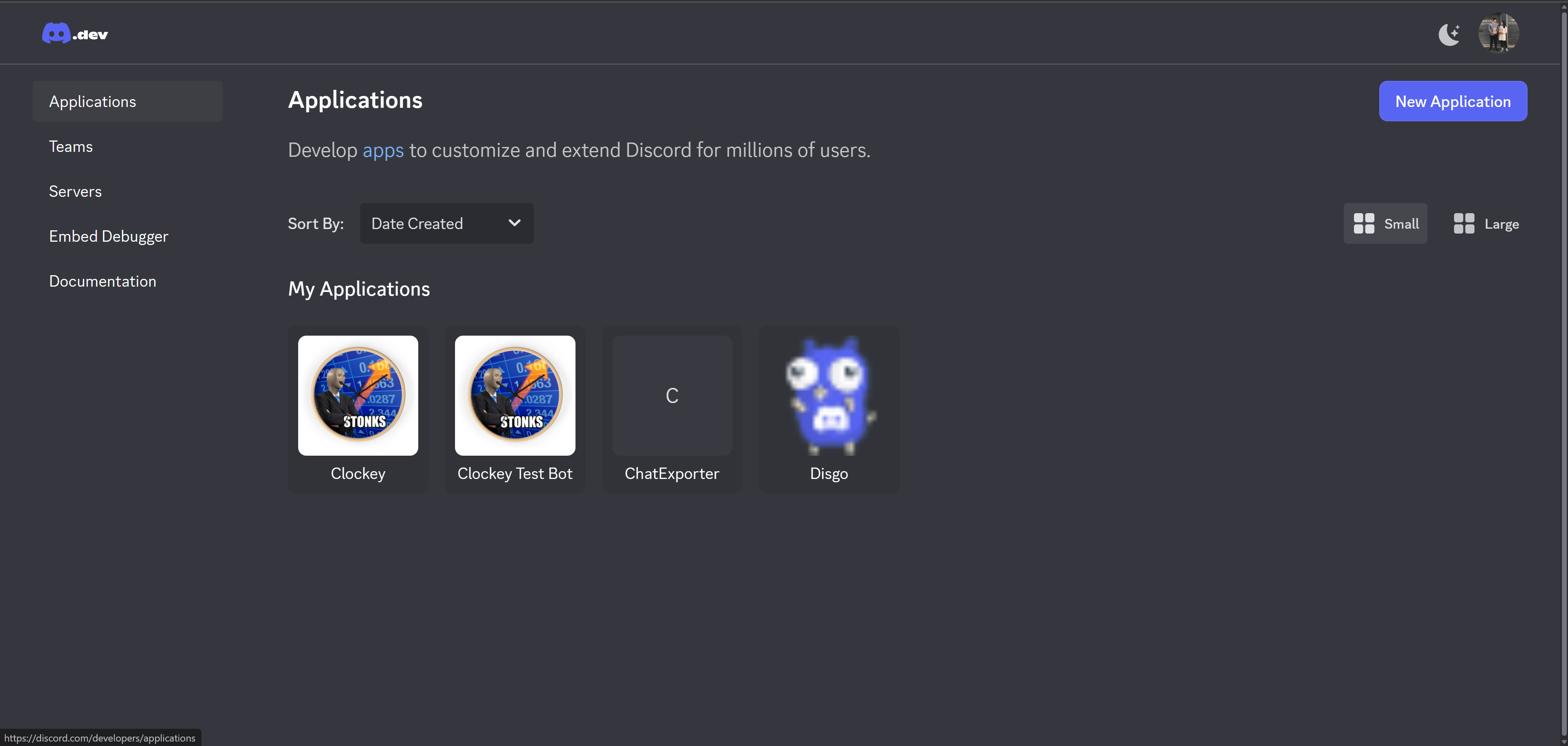
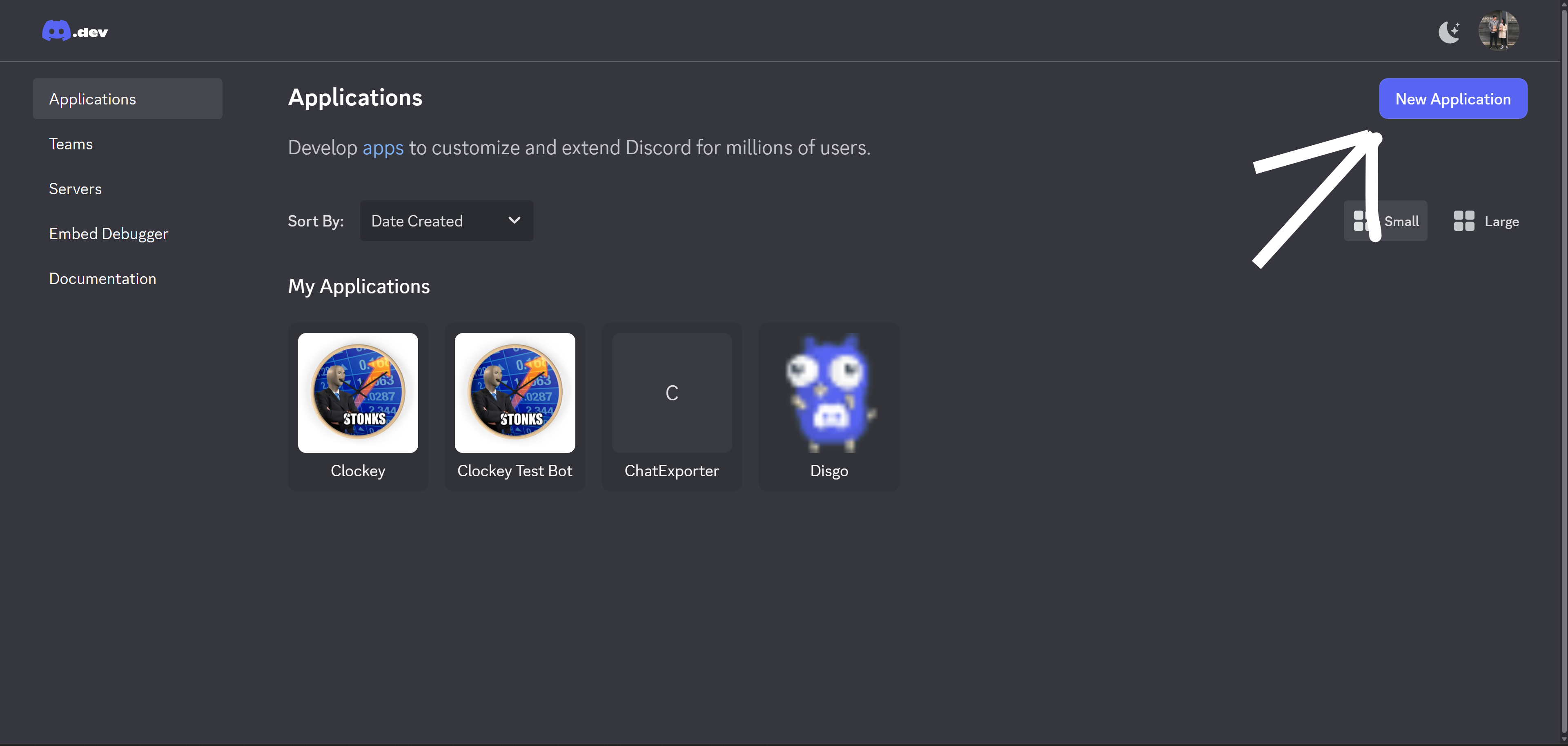
Click on “New Application”
Give your new shiny application a name
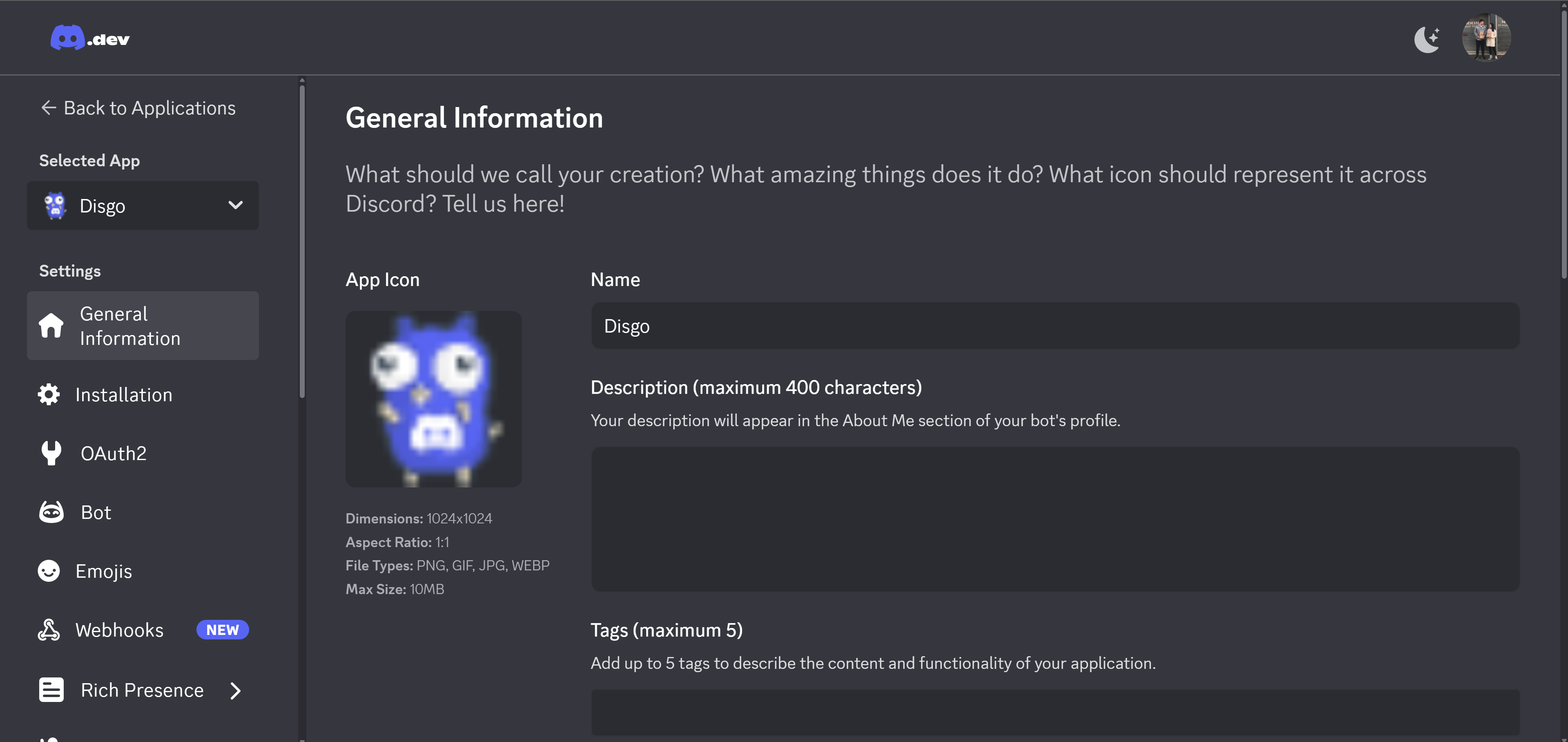 You should now end up in this page.
The Bot Token
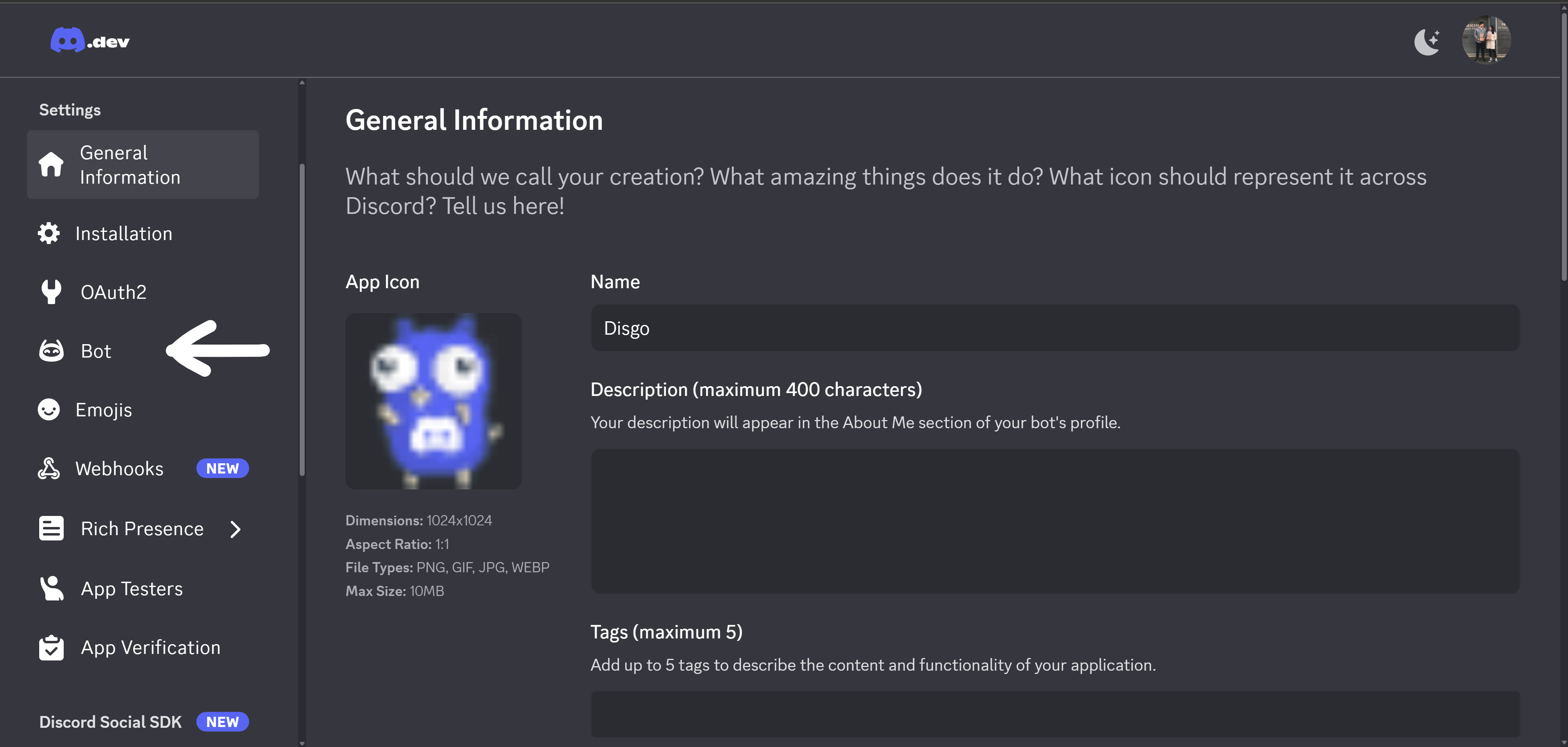
Head to the “Bot” section on the sidebar on the left
Scroll down until you see “Token”
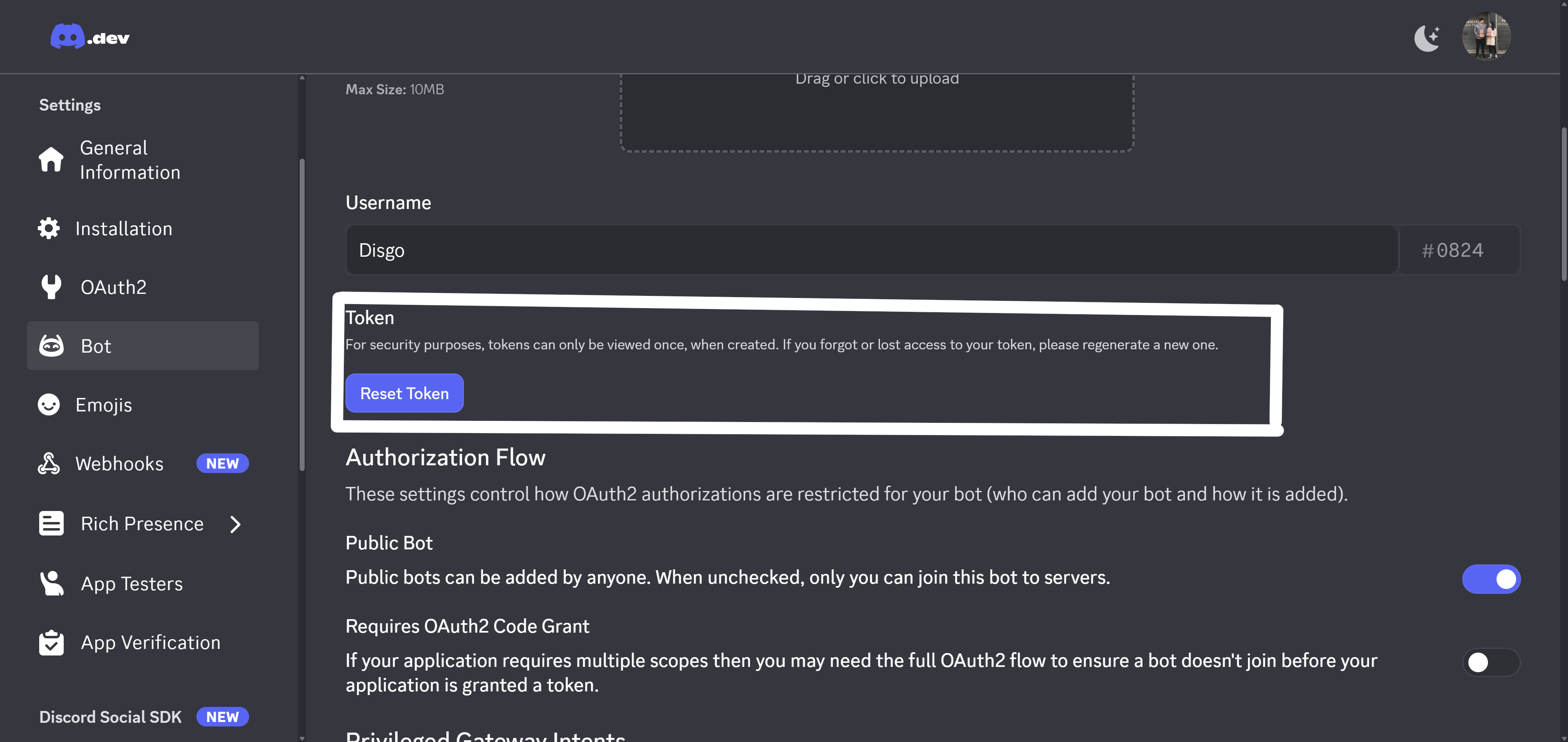
You’ll need to reset the token to view it, and when you do, copy it somewhere safe and by all means DO NOT SHARE IT WITH ANYONE THAT YOU DON’T TRUST!
If you think your bot token has been leaked (i.e. a compromised token), immediately go to this page and reset it again
Congratulations
Now you’re a proud owner of a shiny new discord bot. Sadly, it’s still living at Discord’s place and is not in any server. But we’ll get to that next!